Segment smarter, assign faster, and keep outreach organized
Don’t waste time on messy contact lists. With Ecanvasser’s Contact Database & Filters, you can quickly segment, assign, and manage outreach lists - all from one central hub.
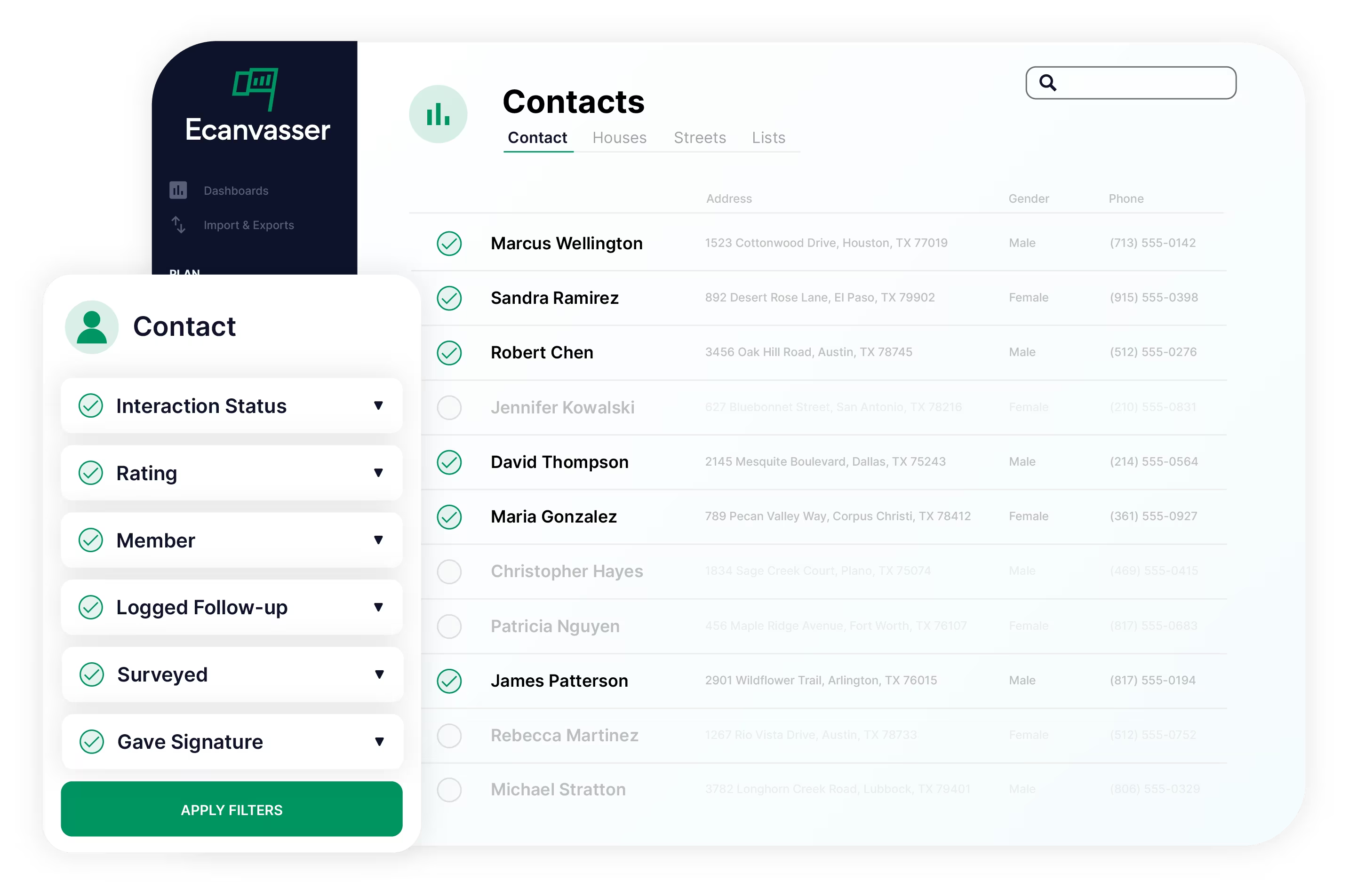
Target the right prospects
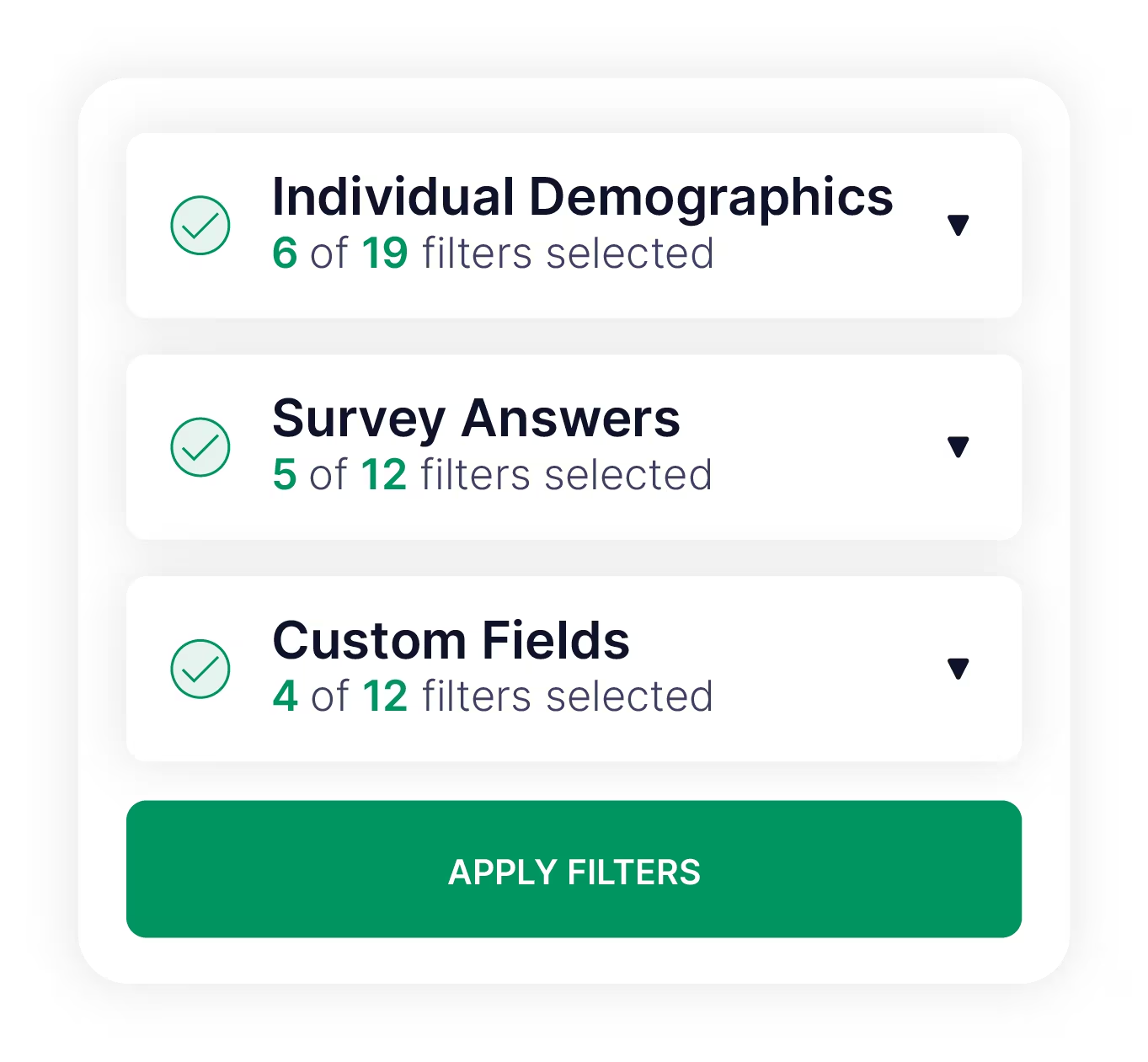
Drill down into your contact database using powerful filters including demographics, custom fields, interaction history, and more - so your reps are knocking on the right doors and engaging the most promising leads.
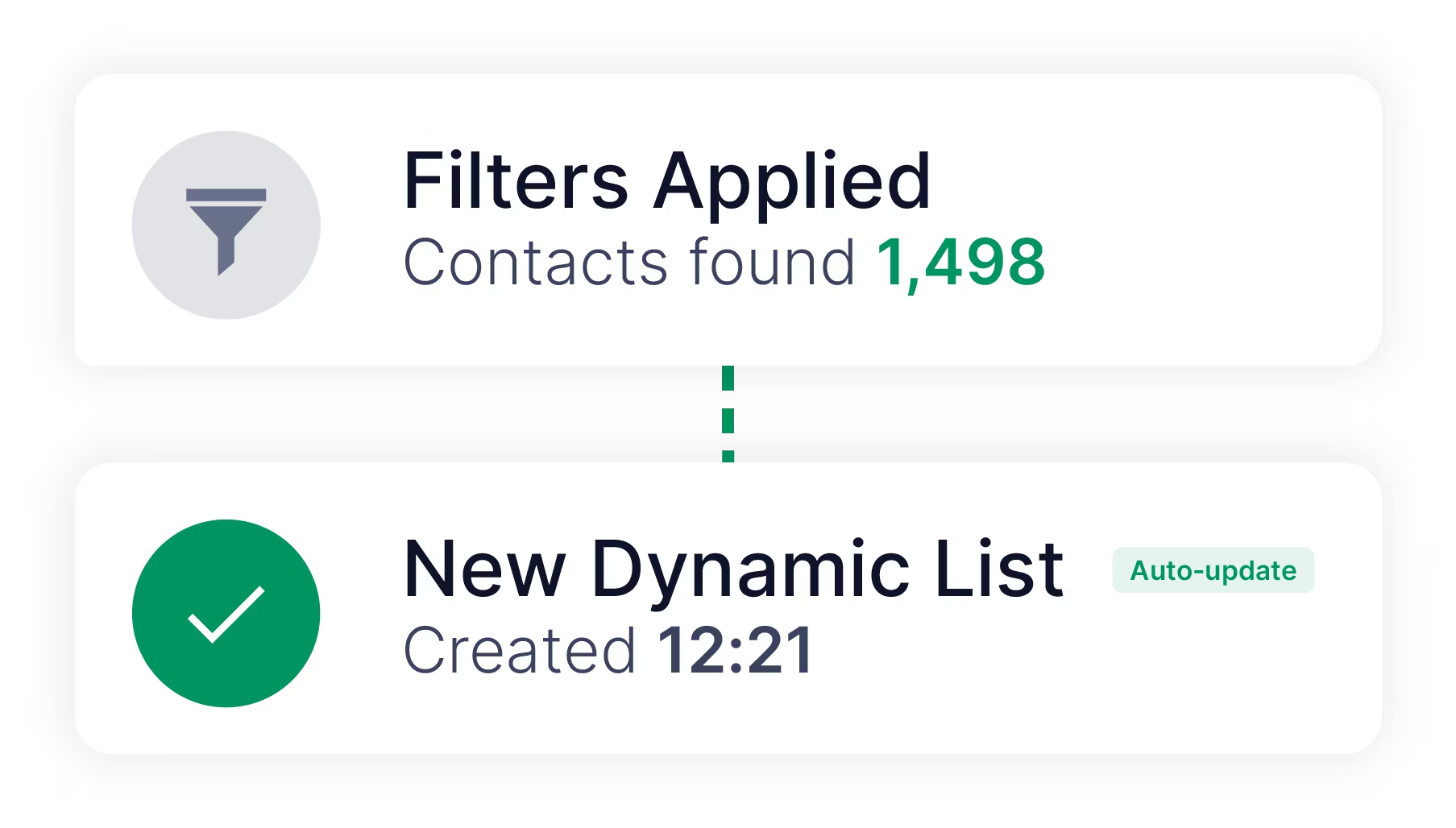
Turn filtered data into clean outreach lists
Save filters as dynamic lists that auto-update with new data, or lock them as static lists for one-time outreach. Every list stays accurate and ready to use, so your teams save time.
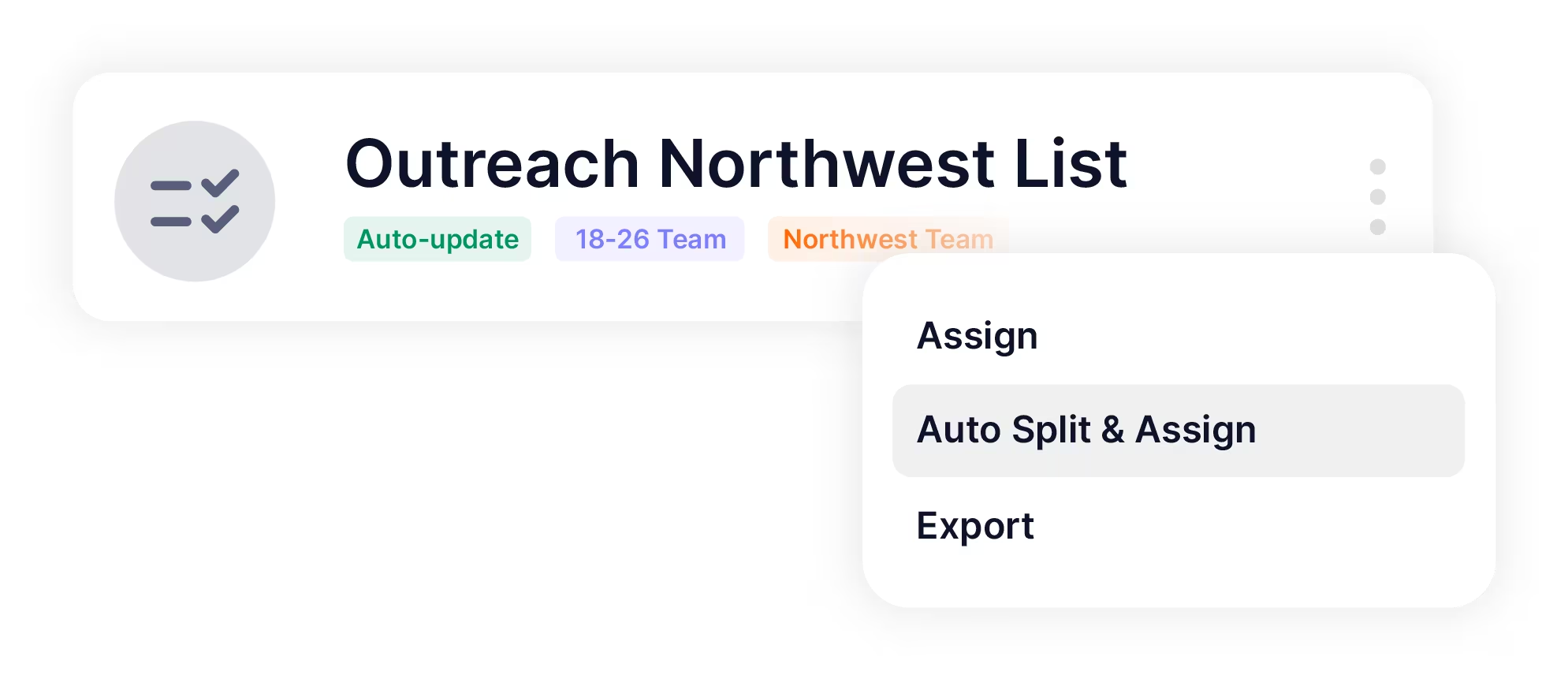
Assign territories without overlaps
Auto-split and assign lists evenly across your sales team to keep workloads balanced. Team-level list assignment and timed list access ensures the right people are working the right turf, at the right time, without duplication or confusion.
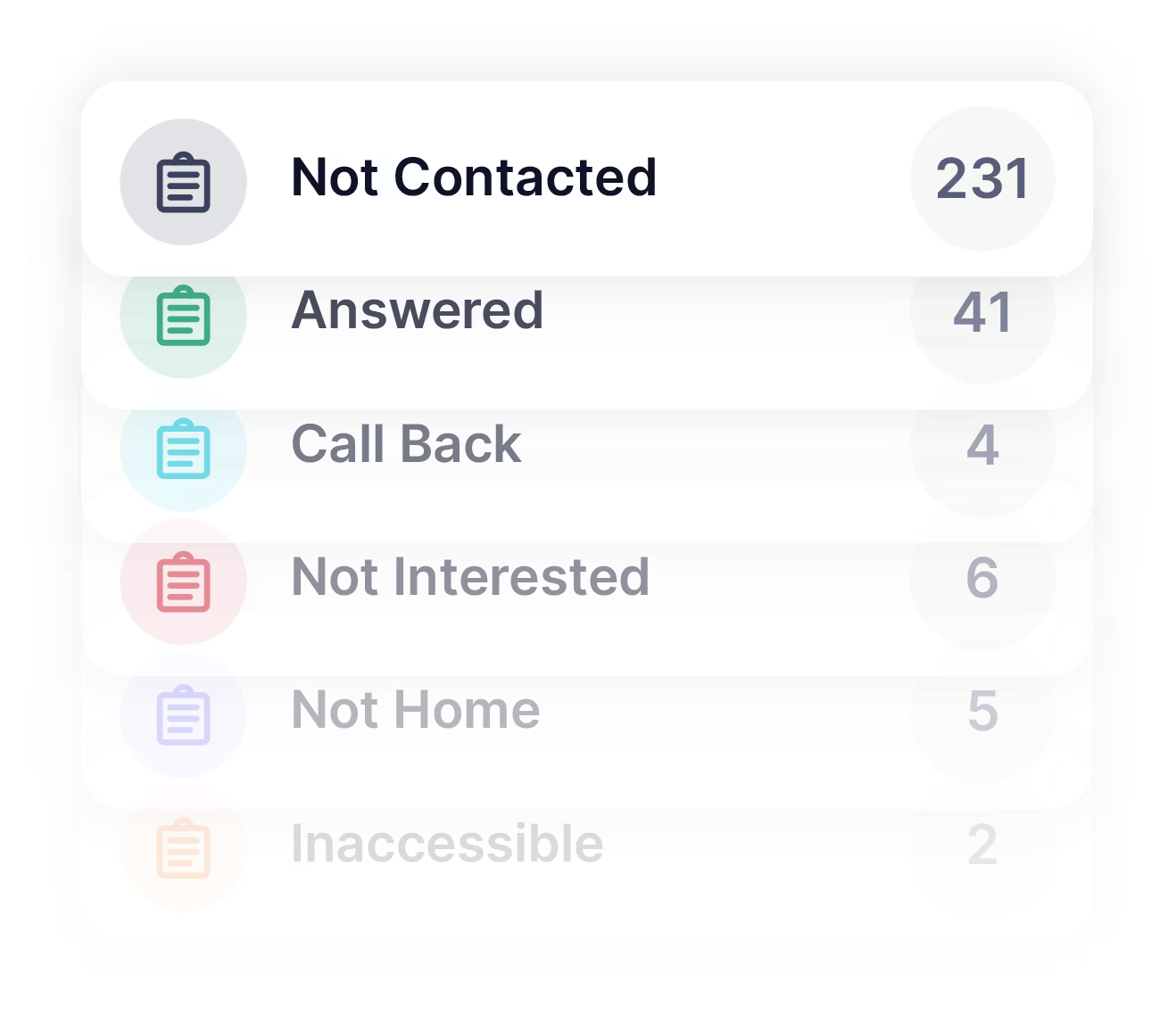
Track list progress in real time
Monitor list completion and activity as it happens, so nothing gets missed and campaigns stay on track. With full visibility into progress, managers can keep field sales efforts efficient and prevent wasted time.

Perfect for teams that need precise targeting
Whatever team size, Ecanvasser gives you the filtering and segmentation tools you need to ensure your outreach efforts drive the best possible results.
Frequently Asked Questions

Yes, after creating a List, you can assign it to a specific user or team, export it, mark it as completed, or split it evenly among organizers.
Dynamic lists continuously update. Contacts matching the saved filters automatically move in or out. Static lists are snapshot-based and require manual updates.
Yes, just click the three dots icon above the filter panel to save frequently used filters as named presets.
You can combine them for deep segmentation. For example, filtering for contacts requesting lawn signs, then searching by address to divide List delivery logically.
Filters are highly flexible. You can segment by contact details, survey responses, interaction statuses, custom fields, location, elections data, and more.