Short on time?
Pick an AI to summarise this article:
Pick an AI to summarise this article:

.svg)

Salesforce retired the standalone Salesforce Maps mobile app on 31 August 2026. On that date, the app was removed from the Apple App Store and Google Play, and stopped receiving support, updates, and security patches.
A second retirement landed on the same day. Salesforce Maps Live Tracking Mobile also ended, which means live rep location data stopped being generated.
Salesforce's migration path is to move reps into the main Salesforce mobile app, where a Maps Mobile navigation item picks up field access. For teams whose reps already work inside Salesforce every day, that is a settings change and little more.
For teams running residential door-to-door sales, it may not be enough, because a CRM app with a maps view attached is a different product from an app built for a rep working a street on foot.
That gap is the reason this guide exists. Almost everything written about the field sales mobile app market targets B2B reps driving between scheduled accounts, leaving residential teams evaluating tools against criteria that were never theirs. What follows is seven options assessed for door-to-door work, and five criteria to judge any of them against.
Two things retired on 31 August, and they are not the same thing.
The first is the standalone Salesforce Maps mobile app, which consolidates the functionality rather than removing it. Maps functionality moved into the main Salesforce mobile app behind a navigation item called Maps Mobile, which an admin has to switch on. Your data stays exactly where it is. Desktop Salesforce Maps is untouched.
The second is Salesforce Maps Live Tracking Mobile, and that's a genuine loss of capability. Since the retirement date, Salesforce no longer generates new geolocation data, so live rep locations do not update. Check-In and Mileage Administration are offered as replacements, and TripLog is listed as an approved third party for real-time location tracking.
Leaving the Maps app does not mean leaving Salesforce. If Salesforce is your system of record, it can stay your system of record while a purpose-built field app handles what happens at the door, with the two systems syncing. That is a smaller decision than it sounds like, and you can keep Salesforce as your system of record either way.
The teams calling us about this are not calling because they love the idea of switching. They are calling because a forced migration is the first time in three years anyone has asked whether the tool actually fits how their reps work.
The honest test is what your reps do in a shift.
If they visit a handful of booked accounts by car, the Maps Mobile tab will very likely cover it. Add the navigation item, brief the team, and move on. That is the cheapest correct answer, and there is no reason to buy anything at all.
If they walk a street hitting dozens of doors, the calculus changes. A general CRM app with a maps view attached isn't designed for capture speed between doors, and it doesn't replace the live tracking that disappeared on 31 August, regardless of which path you choose.
This is not a ranked leaderboard. Two of the seven below are included specifically because they are not built for residential door-to-door work, and knowing why tells you as much as the ones that are.
Each platform was assessed on four things:
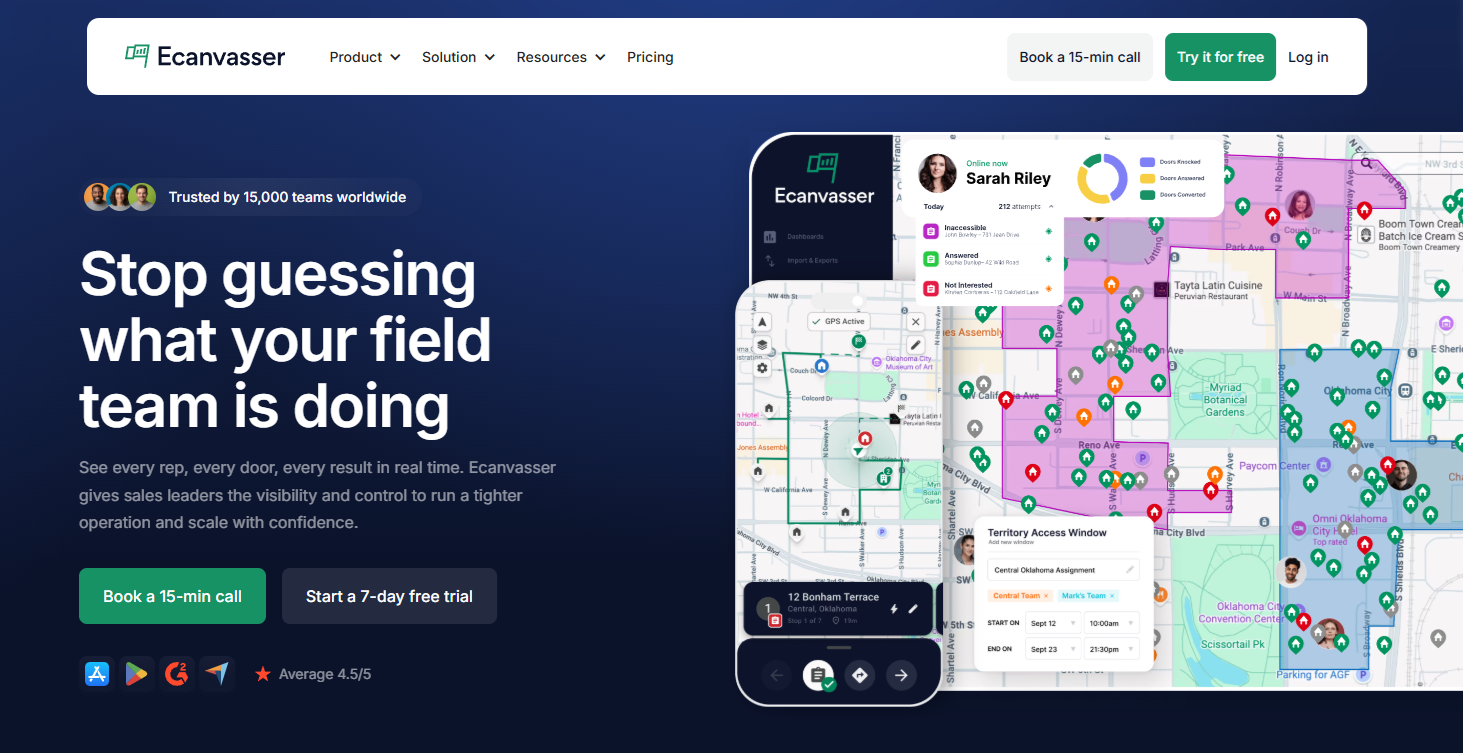
Ecanvasser was built for residential door-to-door from the beginning, rather than adapted downward from a desk CRM. Routes handle up to 200 stops, which matters when a rep is covering streets rather than scheduled appointments. Offline capture is complete, not partial, so notes, signatures, photos, and forms are recorded with no connection and sync automatically once signal returns. GPS-verified activity means a manager can confirm which doors were actually knocked instead of taking it on trust.
The latest release, version 8.0, was also rebuilt with speed in mind - bulk interaction updates, one tap interaction logging, one tap pin drop, and faster sync to HQ. When you’re knocking hundreds of doors a week, speed matters. See what’s changed here.
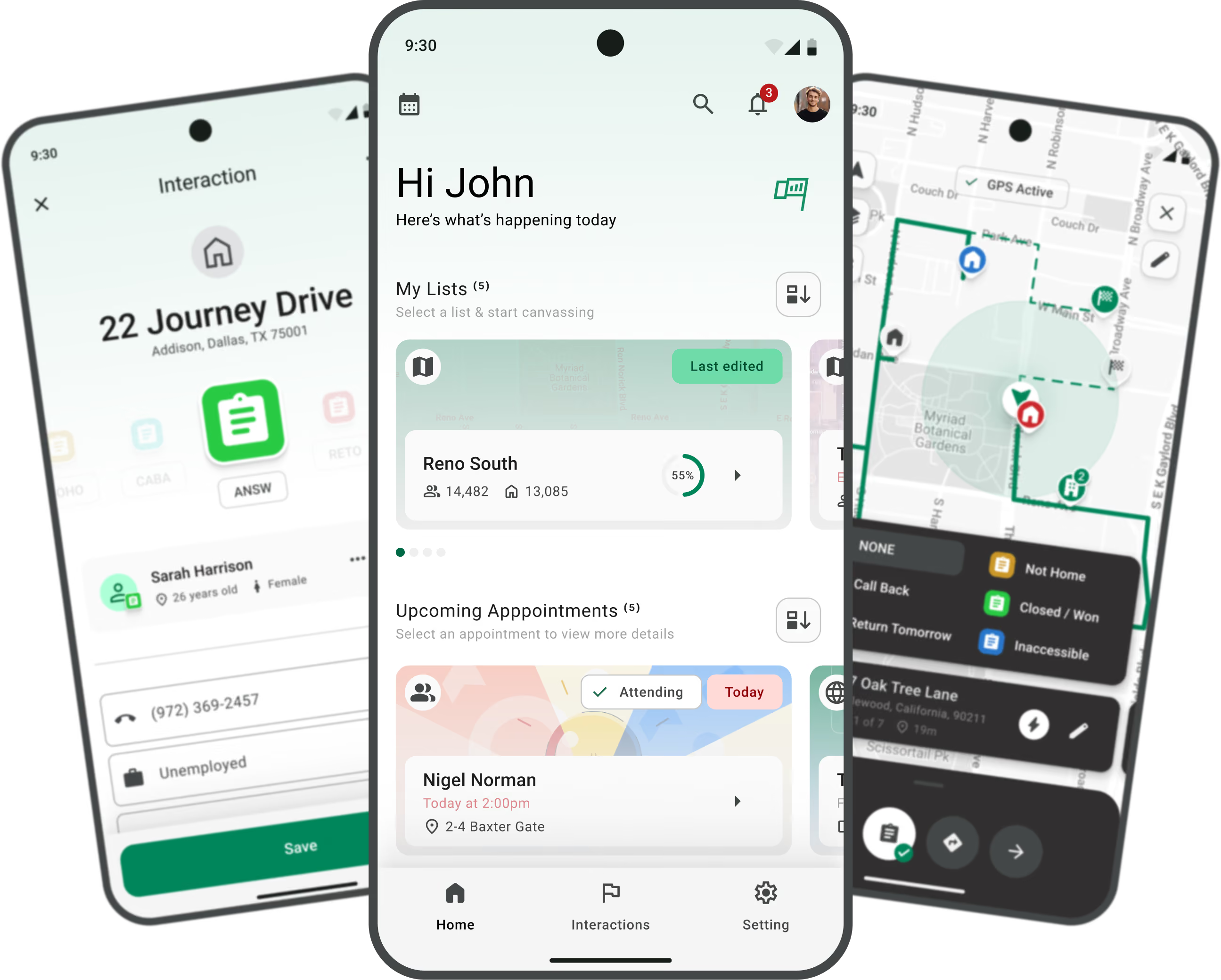
The commercial difference is that we don't charge per user. A team adding fifteen reps for a summer push does not watch the software cost track headcount upward, which is the constraint that forces most tooling decisions in this market. You can see the mobile app itself and how the wider platform is built for door to door.
Fit matters here too. This is a platform for teams running territory at scale, and a two-person operation will not need most of it.
"When we merged with another broadband company, it was just so easy to onboard new staff, knowing that there wasn't going to be an extra cost, because we have unlimited licenses. We got them on board straight away, tested it, and got them using the software as quickly as possible." Scott Kean, Field Sales Manager, Truespeed
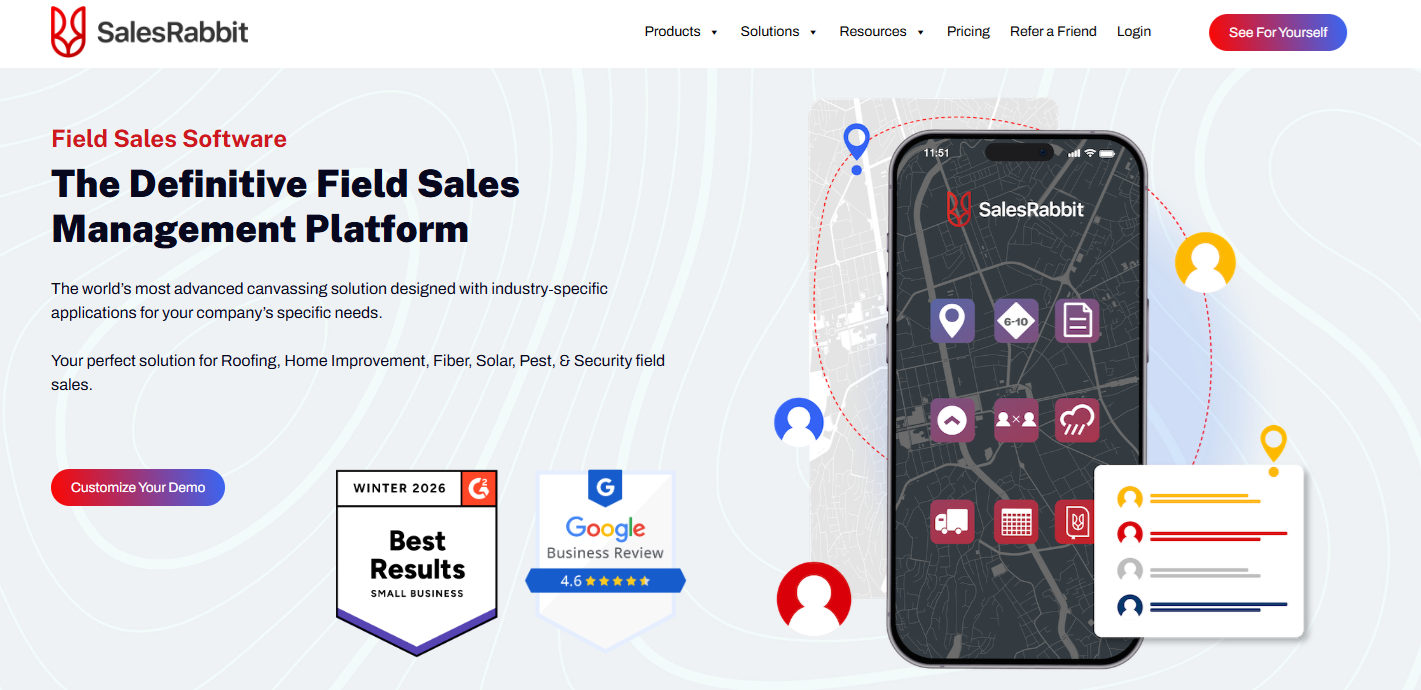
The closest direct comparison on this list, SalesRabbit is the other platform genuinely built for door to door, rather than adapted to it. Lead management at the door is mature, and the ecosystem around home services and solar is well established, which shows in how quickly reps in those verticals pick it up.
The trade-off arrives with growth. Pricing is per user, so the cost of your field sales software scales with your rep count. For a team at fifteen reps, that is manageable. For a team planning to be at sixty by next season, it is worth modeling the difference before you sign, because switching later costs more than choosing carefully now.
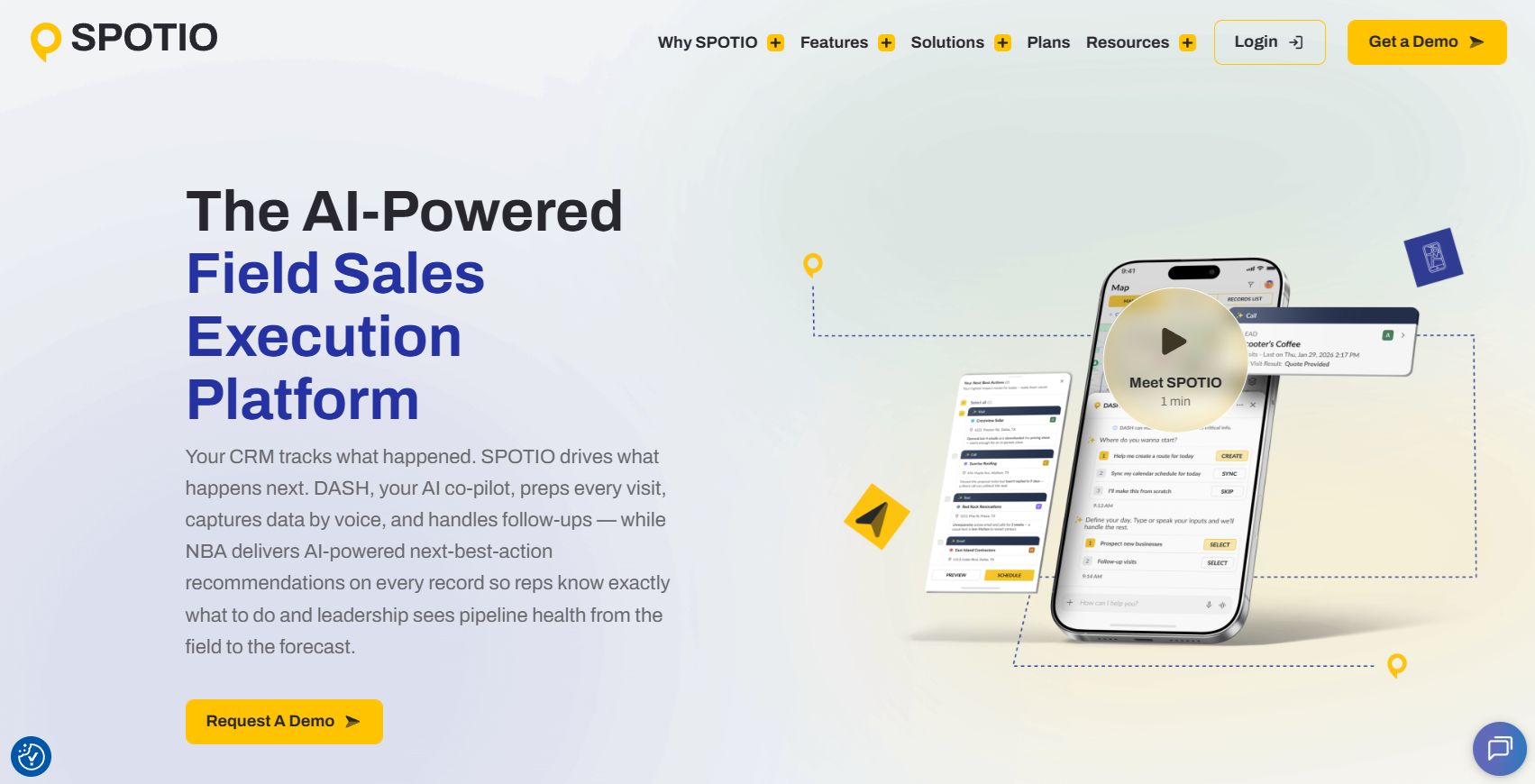
SPOTIO covers residential door-to-door and B2B field motions in the same platform. That breadth is a real strength if you run both an outside and an inside motion and want one system across them. It is a real dilution if you only knock doors, because a portion of the product solves problems your team does not have.
Route optimization and performance tracking are both strong. Pricing is per user again, so the same modeling exercise applies. SPOTIO fits best where a mixed-channel team wants consolidation more than it wants specialization.
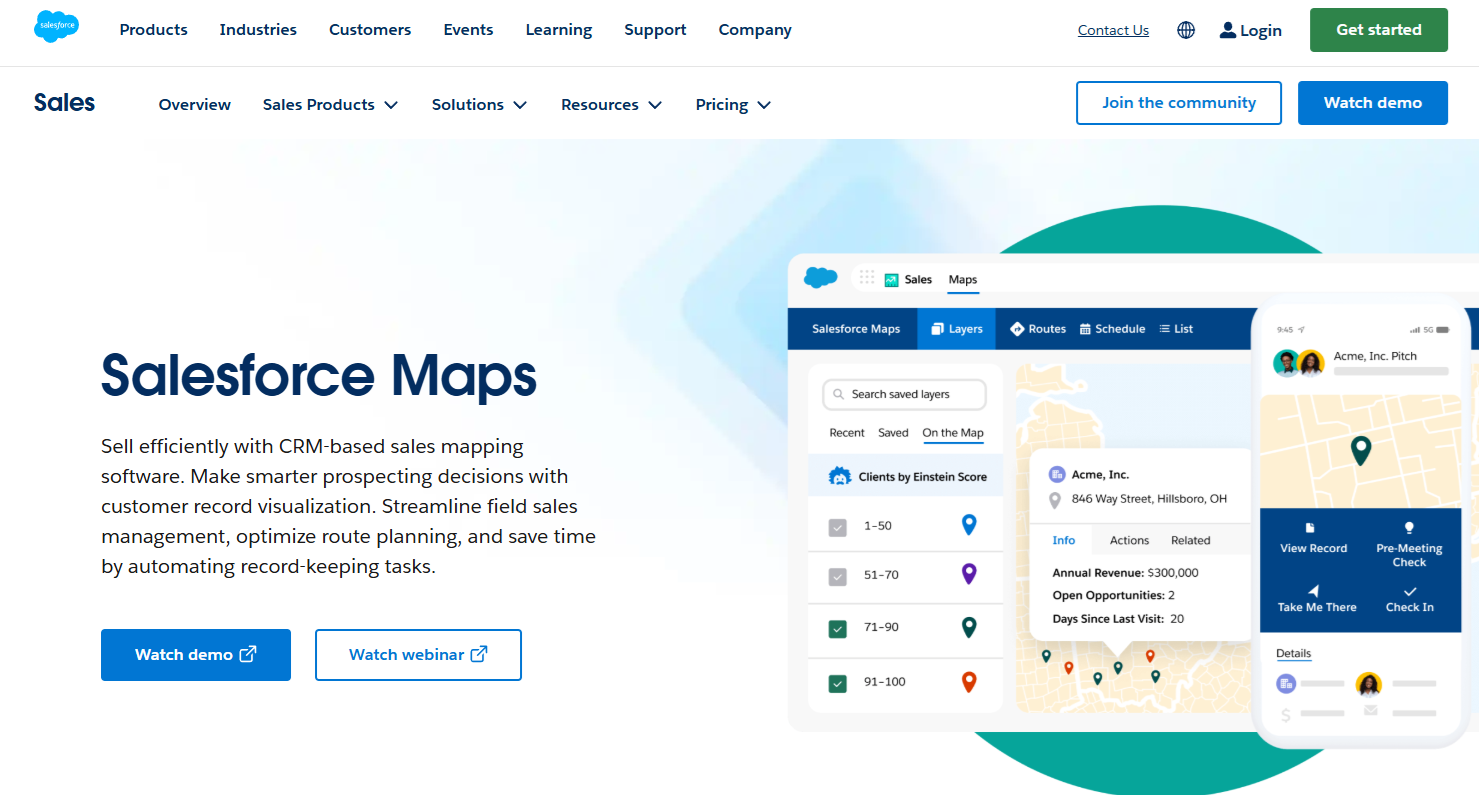
Salesforce Maps is the incumbent, and for many readers it is the default destination rather than a choice.
What the migration gives you is continuity. Maps functionality lives inside the main Salesforce mobile app, your data never moves, and an admin can complete the change in an afternoon. For a B2B field team already working inside Salesforce every day, that is genuinely the right answer.
What it does not give you is live tracking, which ended on 31 August, or a capture experience designed for someone moving between doors on foot. The Salesforce mobile app is a CRM you can use on a phone. That is a different product from a field sales app, and the gap is widest exactly where residential canvassing lives.
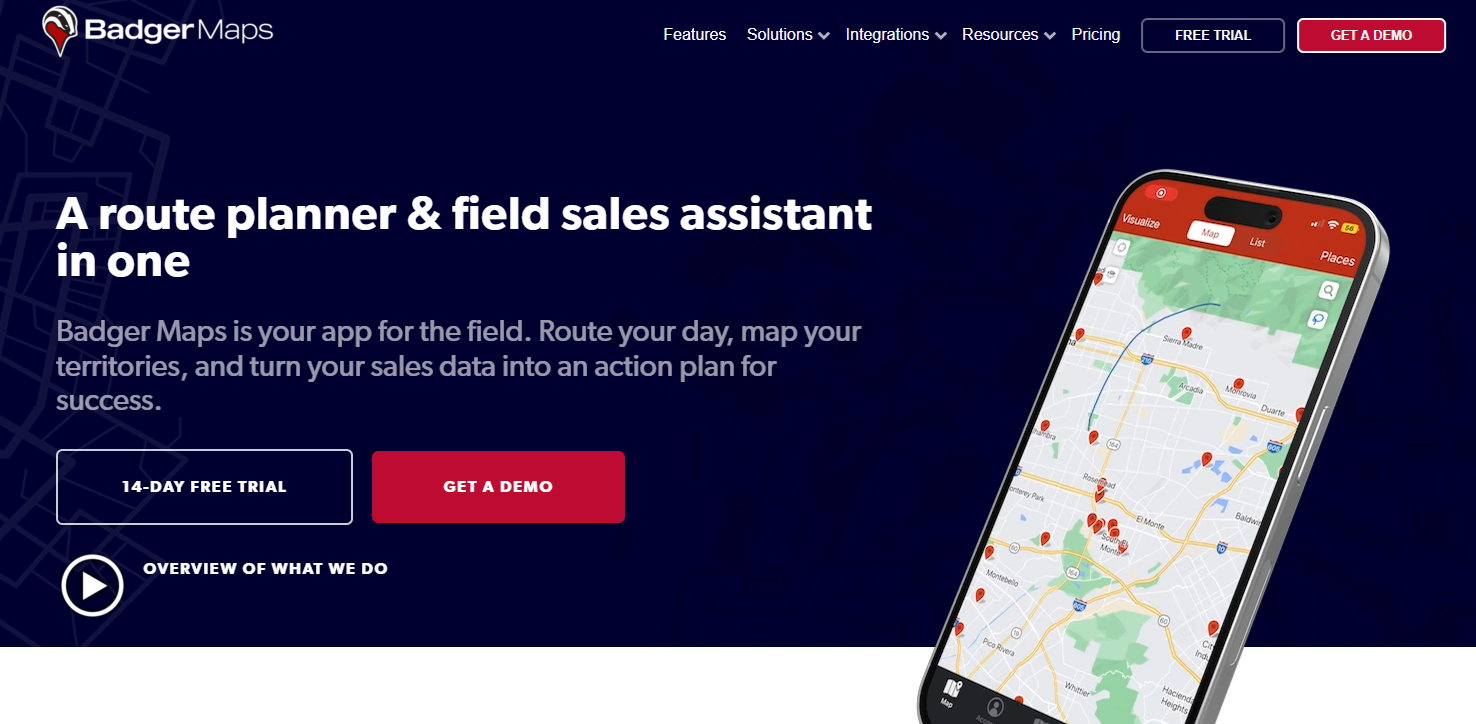
This option is route-first, and built for outside reps who drive between scheduled accounts. At sequencing a driving day and cutting windshield time, Badger Maps is excellent.
It is not a canvassing tool. There is no door-level territory assignment and no knock-level data capture, so a residential team buying Badger would be buying the wrong shape of product entirely. Worth knowing about, worth ruling out quickly.
Positioned directly at teams leaving Salesforce Maps, Map My Customers is worth considering right now. Territory visualization and B2B account mapping are both solid.
The structural caveat matches Badger's. The account model assumes a named list of accounts rather than a street of unqualified addresses, and those are different jobs. If your reps work a known book of business, look closer. If they work a map, look elsewhere.
The newest entrant here and the most AI-forward, Leadbeam was built around automating the admin that follows a visit. Voice capture and automated follow-up are the headline features, and they address something real, because no rep enjoys data entry.
It is built primarily for B2B field sales, and a newer platform carries the usual maturity trade-off around edge cases and integrations. Include it on a shortlist if admin burden is your main complaint.
Vendors change. The criteria do not.
Every mobile field sales app on the market will tell you it does all five of the things below. Score whatever shortlist you end up with against them anyway. The value is not in asking the question. It is in knowing what a real answer sounds like next to a marketing one.
This is the most claimed and least verified capability in mobile field sales.
Caching a map tile so the screen still renders is not the same as operating fully disconnected. A genuine offline field sales app captures outcomes, notes, signatures, photos, and forms with no connection at all, then reconciles cleanly when signal returns without duplicating records or losing the last hour of work.
You can run a test during a trial. Put the phone in airplane mode for a full shift's worth of activity, then reconnect and see what survives. Vendors who have built this properly will suggest it themselves. You can see how offline canvassing is meant to behave as a reference point.
This matters in basements and high-rise stairwells as much as in rural territory, a detail most product pages miss.
Mercury Fiber, a US broadband provider serving rural and underserved communities, moved off a door-to-door tool that was never designed for their location-based data model. Their territory included areas with limited or no connectivity, so offline capability was a requirement, not a preference. After implementing Ecanvasser, they gained activity-to-outcome tracking that let them prove door-to-door ROI internally and set realistic performance benchmarks for a channel they were still building.
GPS verification is not about surveillance. It is about answering one question with evidence instead of trust: were those doors actually knocked?
This capability is most likely to force a genuine replacement of SalesForce Maps rather than a straightforward migration, because teams that lost Maps Live Tracking on 31 August lost precisely this. If verified activity is load-bearing in how you coach and pay your team, the Maps Mobile tab does not restore it.
Reps worry about this, and the worry is reasonable. Teams that roll it out well frame it as protection rather than monitoring, because a rep who logs their work has a record when a manager questions their numbers. Real-time field tracking covers the mechanics, and there is more depth on how GPS verification works in practice.
"Ecanvasser gives us very good indicators of high performers versus low performers. It's very easy to see people that are out on time knocking doors, and people that aren't. It keeps everybody honest in the relationship." Alan O'Reilly, Head of Sales Optimisation, eir
A map you can draw shapes on is not a territory system.
Assignment means a rep sees the addresses they are responsible for, during the window they are responsible for them, and nobody else is working the same street. The failure it prevents is the one every growing team recognizes: two reps on the same block while three streets go untouched all week.
For this to hold, the mobile app and the management platform have to be the same system. A territory assigned in one tool and worked in another produces coverage data that nobody in the room quite trusts, and untrusted data gets ignored.
For example, a territory assigned to a rep in the Ecanvasser platform shows up in that rep’s mobile app instantly so they are fully up to date in real-time.
"We love real-time tracking and reporting so we know that we only knock on the doors of the houses we can service and we can see whether we knocked them last week, last month or six months ago. We can then make a schedule to reduce over knocking and get that timing right for potential customers." Emma Pearce, Head of Marketing, Lightning Fibre
The criterion nobody writes about, and the one your reps care about most.
Logging outcomes in a field sales app is a speed problem before it is a features problem. A rep between doors has seconds, not minutes. An app that requires scrolling through free-text fields will be quietly abandoned inside a week, and no amount of training reverses that.
Structured capture is faster and produces data you can actually query. Free text is flexible and produces data nobody ever reads.
"I work with customers to simplify and structure how data is collected in the field. Clear fields, consistent options, and minimal free text. It improves data quality immediately and makes reporting and segmentation usable. The moment data becomes consistent, it becomes valuable." Aoife Murphy, Customer Success Manager, Ecanvasser
The demo question I ask every prospect is how many taps it takes a rep to log a not-home. If the answer is more than two, the app will not get used properly, and every reporting problem downstream starts right there.
Ecanvasser makes logging interactions at the door easy and fast.
You do not need to abandon your CRM, and any vendor telling you otherwise is selling rather than advising.
The split is clean. Your CRM is the system of record, holding the customer, the deal, and the history. Your field sales app is the system of execution, holding what happened at the door. The sync between them is what stops your reps from entering the same information twice, which is the single fastest way to kill adoption.
Ecanvasser connects to over 5,000 tools including Salesforce and HubSpot, with a developer API for teams whose requirements do not fit a pre-built connector.
Picture the shift you are running now.
A rep's notes live on a clipboard until the end of the day. Roughly half get typed up, and the other half arrive a day late. Follow-ups are remembered rather than scheduled, so the warm lead from Tuesday gets called on Friday or not at all. Your picture of the day comes from a WhatsApp message and a headcount. Managers in this position are, as our customer success team puts it, essentially flying blind.
Capture at the door changes three things, and only three things really matter.
Follow-up becomes a scheduled task instead of an act of memory, which is where most recovered revenue actually comes from. Coverage becomes visible while there is still time to fix it, so a territory going stale surfaces on Wednesday rather than in next month's report. Rep performance becomes a pattern you can coach, because you are comparing doors knocked, contacts made, and conversion across the team rather than guessing who is working hard.
None of that requires a bigger team. It requires the data to exist, and data that isn't captured doesn't exist.
The 31 August deadline forced a decision, but it is not the interesting one.
The interesting question is whether the app your team carries matches the motion your team runs. A B2B rep driving to six booked accounts and a residential rep walking eighty doors need different products, and the market mostly writes for the first one.
Score your shortlist on the five criteria. Does it work fully offline, and can it verify activity? Does it assign territory in the same system reps work in? Can a rep log an outcome in under two taps, and does it sync to your CRM without double entry? An app that clears all five will serve you longer than the one with the longest feature list.
If you want to see what that looks like for a residential team, you can take out a free 7 day trial.
{{faq-1}}
{{faq-2}}
{{faq-3}}
{{faq-4}}
{{faq-5}}
Ecanvasser is built for residential field teams that need to scale without per-user pricing. Learn more about our platform and check out our pricing.
A field sales mobile app is software your reps use on a phone or tablet to do the work of selling outside the office. It handles territory assignment, route planning, activity capture at the door, and syncing that data back to your management platform in real time. The distinction that matters is purpose. A field sales app is built around what a rep does during a shift, not around recording it afterward.
The good ones do, completely. A genuine offline field sales app lets reps access their assigned routes, log outcomes, capture notes, take signatures and photos, and complete forms with no connection at all, then syncs everything automatically when signal returns. Many apps claim offline support but only cache map data. Test it in airplane mode for a full shift before you commit.
The standalone Salesforce Maps mobile app was removed from the Apple App Store and Google Play, and stopped receiving support, updates, and security patches. Maps functionality continues inside the main Salesforce mobile app through a Maps Mobile navigation item that an admin enables. Salesforce Maps Live Tracking Mobile retired on the same date, and that capability is not carried over.
Pricing models split into two camps, and the difference compounds as you grow. Per-user pricing charges for every rep, so your software cost tracks headcount directly, which becomes expensive for teams that scale seasonally. Other platforms, including Ecanvasser, do not charge per user, so adding reps for a busy season does not change what you pay.
Ecanvasser’s real-time tracking completely transformed our field operations. Through the dashboard, we can plan efficient routes, customize interactions, and monitor our canvas stops in real time to support our team the second they need help. The "verified drops" feature adds an extra layer of accountability, while the reporting tools make it seamless to track hourly visit rates and optimize performance on the fly.




Scale your operations, empower your reps, and deliver predictable, profitable growth with Ecanvasser.